TradingView: Professional Charting Tools
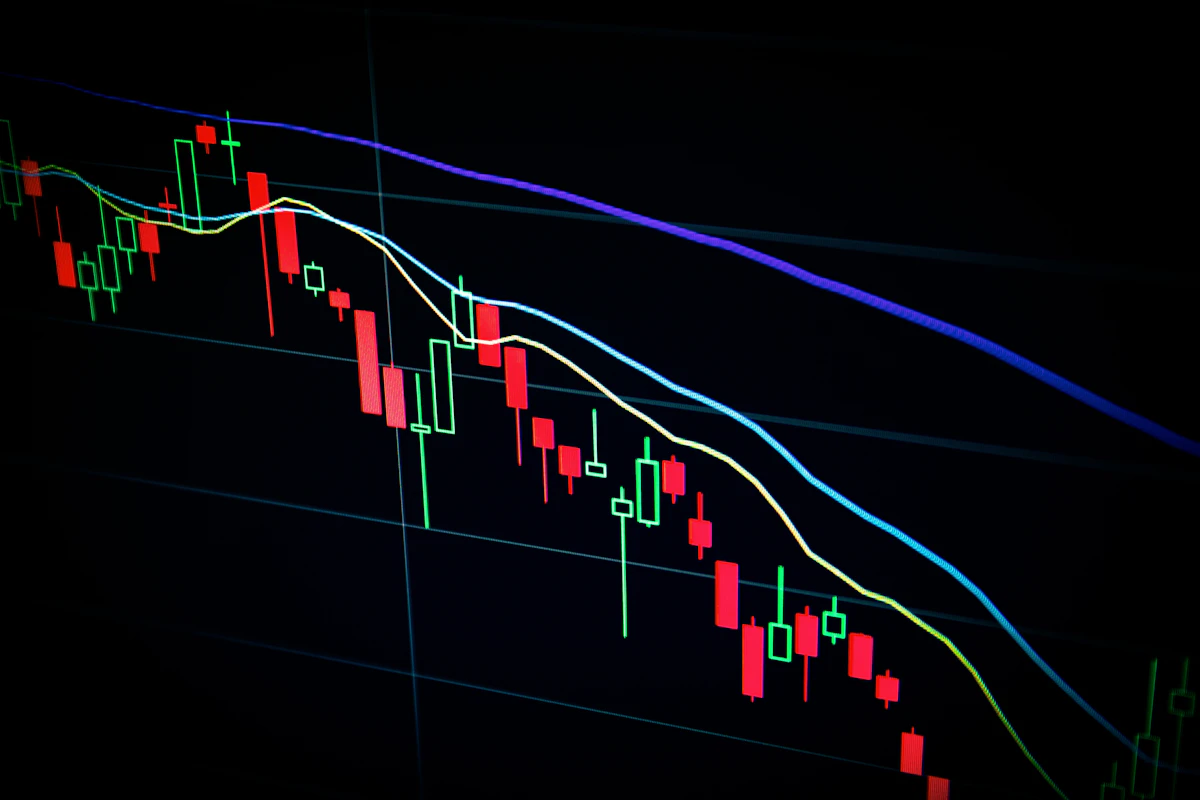
TradingView is the world’s leading charting platform and social network for traders and investors. Used by millions worldwide, it offers professional-grade technical analysis tools, real-time data, and a vibrant community of traders. This guide covers everything from basic charts to advanced features.
📺 Complete TradingView Tutorial
This 20-minute tutorial shows you how to master TradingView’s professional tools.
📊 Quick Facts About TradingView
💡 Pro Trader Tip
Start with 3-5 key indicators maximum. Most professionals use: Moving Averages (trend), RSI (momentum), and Volume. Too many indicators create analysis paralysis. Save your chart layouts and use alerts to automate monitoring.
📱 Getting Started with TradingView
Create Your Free Account
Sign up at TradingView.com with your email. Free account includes basic charts with delayed data (15-minute delay for US stocks). Verify your email to unlock full features.
Explore the Interface
Familiarize yourself with the layout: Chart area (center), Drawing tools (left), Timeframes (top), Indicators (top bar), Watchlists (right), and Pine Script editor.
Set Up Your First Chart
Search for a symbol (like AAPL for Apple). Choose your timeframe (1D for daily, 1H for hourly). Add basic indicators (click Indicator button or use / key).
Learn Drawing Tools
Practice using trendlines, horizontal lines (support/resistance), Fibonacci retracements, and annotations. Right-click to modify properties. Save templates for future use.
Connect to Broker (Optional)
Link your brokerage account for real-time data and direct trading. TradingView integrates with 50+ brokers including TD Ameritrade, Interactive Brokers, and OANDA.
🌟 Key TradingView Features
TradingView offers professional tools that rival Bloomberg terminals at a fraction of the cost:
Advanced Charting
- 70+ chart types (Heikin-Ashi, Renko)
- Customizable timeframes
- Multiple chart layouts (up to 8)
- Synchronized crosshairs
- Logarithmic/linear scaling
Technical Indicators
- 100+ built-in indicators
- Custom indicator creation
- Community scripts (100,000+)
- Backtesting capabilities
- Real-time alerts
Drawing & Analysis
- 40+ drawing tools
- Fibonacci tools (7 types)
- Pattern recognition
- Auto-fibonacci
- Chart annotations
Social & Community
- Idea publishing
- Follow top traders
- Script sharing
- Market sentiment
- Real-time chat
📊 Essential Indicator Categories
Trend Indicators: Moving Averages (SMA, EMA), MACD, ADX, Parabolic SAR
Momentum Indicators: RSI, Stochastic, CCI, Williams %R
Volatility Indicators: Bollinger Bands, ATR, Keltner Channels
Volume Indicators: Volume Profile, OBV, Volume Weighted MA
💰 TradingView Pricing Plans
| Plan | Monthly Cost | Yearly Cost | Key Features |
|---|---|---|---|
| Basic | Free | Free | 1 chart, 3 indicators, delayed data |
| Pro | $14.95 | $155.40 ($12.95/mo) | 2 charts, 5 indicators, priority support |
| Pro+ | $29.95 | $299.40 ($24.95/mo) | 4 charts, 10 indicators, extended hours |
| Premium | $59.95 | $599.40 ($49.95/mo) | 8 charts, 25 indicators, real-time data |
⚠️ Important Trading & Analysis Tips
- Don’t rely on indicators alone – Combine with price action and market structure
- Backtest strategies – Use TradingView’s replay mode before risking real money
- Set up alerts – Use price, indicator, and pattern alerts to monitor multiple markets
- Learn Pine Script basics – Custom indicators can give you an edge
- Beware of information overload – Too many charts/indicators hurts decision making
- Paper trade first – Practice with virtual money before using real capital
✅ Advantages of TradingView
- Best charting interface – Clean, intuitive, highly customizable
- Massive indicator library – 100+ built-in, 100,000+ community scripts
- Multi-market coverage – Stocks, crypto, forex, futures, indices
- Powerful drawing tools – Professional-grade analysis capabilities
- Social community – Learn from and share with 50+ million users
- Pine Script editor – Create custom indicators and strategies
- Broker integration – Trade directly from charts with 50+ brokers
❌ Limitations to Know
- Expensive for full features – Premium plan is $600/year
- Free plan limitations – Only 1 chart, delayed data, 3 indicators
- No fundamental data – Purely technical analysis platform
- Learning curve – Overwhelming for complete beginners
- Mobile app limitations – Fewer features than web/desktop
- Data quality varies – Depends on exchange/broker connection
- No direct trading for all – Limited broker integrations
📱 User Reviews
Here’s what traders and analysts are saying about TradingView:
❓ Frequently Asked Questions
Yes, TradingView has a free plan with: 1 chart per tab, 3 indicators per chart, 15-minute delayed data for US stocks, basic drawing tools, and access to community ideas. For real-time data, more charts/indicators, and advanced features, paid plans start at $12.95/month (billed annually).
Yes, but only with supported brokers. TradingView integrates with 50+ brokers including TD Ameritrade, Interactive Brokers, OANDA, TradeStation, and Alpaca. You’ll need an account with one of these brokers and must enable the trading panel. Not all assets are tradable through all broker integrations.
Pine Script is TradingView’s proprietary programming language for creating custom indicators and strategies. You don’t need to learn it as a beginner – there are 100,000+ free community scripts available. However, learning basic Pine Script allows you to customize indicators, create alerts based on complex conditions, and backtest trading strategies, giving you a significant edge.
Disclaimer: This guide is for educational purposes only. I am not a financial advisor. Trading involves substantial risk of loss and is not suitable for all investors. Past performance is not indicative of future results. *TradingView is a charting platform, not a broker. You cannot trade directly on TradingView without a connected brokerage account.
Affiliate Disclosure: This article may contain affiliate links. I may earn a commission if you sign up through my links, at no additional cost to you.
💬 Questions About Technical Analysis